
When custom property management software makes sense
Most property businesses should start with an off-the-shelf tool. Custom property management software earns its cost only when the way you work is different enough that the tool starts working against you. The question is not whether custom is better. It is whether the gap between your workflow and the product you rent has become expensive.
These are the signs we see most often:
- Spreadsheets sit next to the system. Your team exports data every week to answer questions the tool cannot, then pastes the results back by hand.
- Your model does not fit the template. Co-living by the room, short and long lets in one building, mixed residential and commercial, or management fees that change by owner. The tool forces you to fake it.
- Owners want reporting you cannot produce. Each owner asks for a different view, and someone builds it manually every month.
- The integrations you need do not exist. You want listings from an MLS feed, leads in your CRM and payments on a specific provider, and the vendor's marketplace covers two out of three.
- The software is the product. If you are a PropTech founder selling to landlords or agents, renting someone else's platform means you have no product of your own.
If two or more of these are true, it is worth scoping a build. If none are, stay where you are and spend the money on growth. A useful test is to list the weekly hours your team spends on workarounds and compare them with the cost of a focused first version.
The core modules, and what to build first
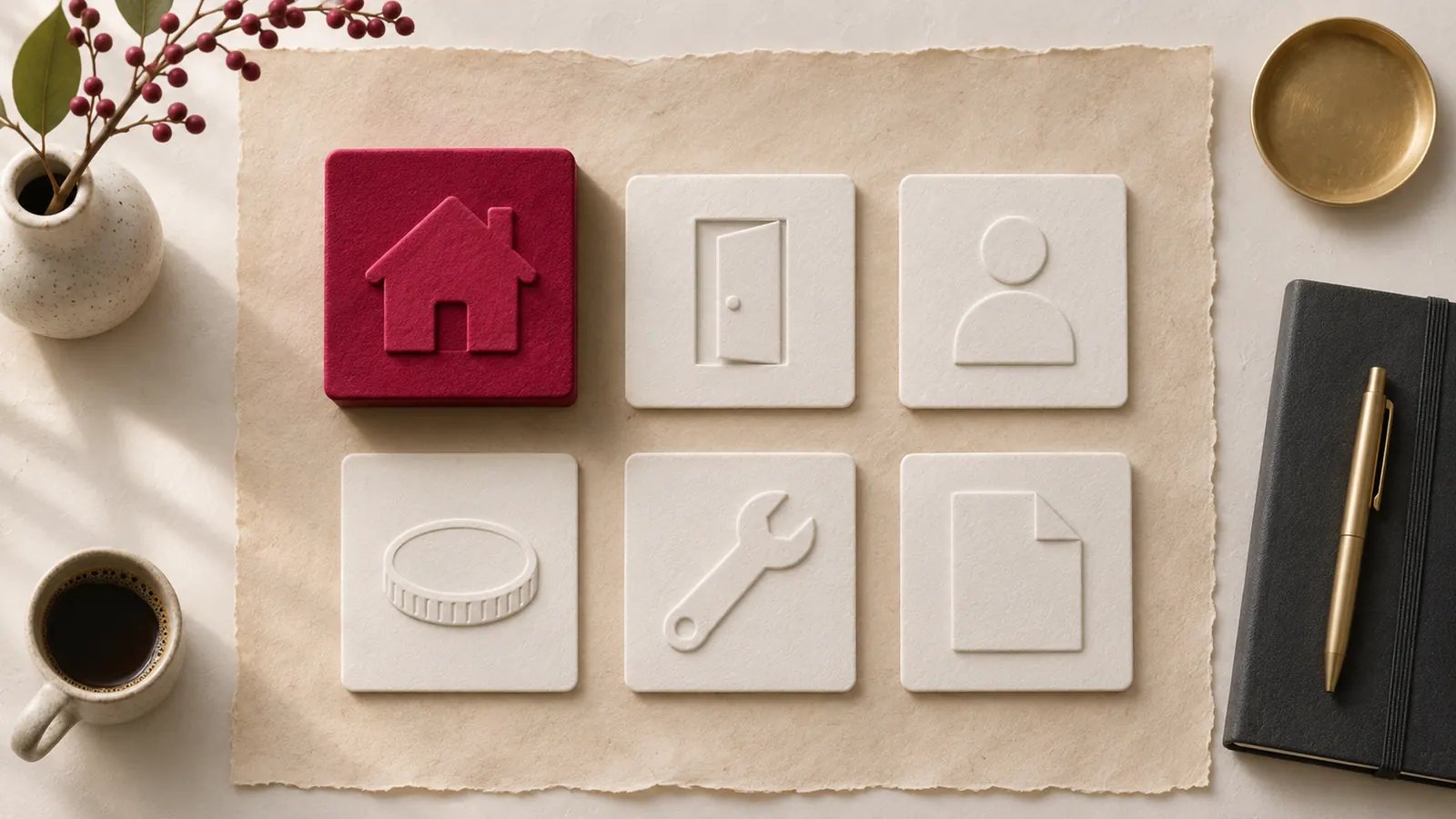
Property management software development usually covers six areas. You will not need all of them on day one, and the order matters more than the list.
Properties and units
The foundation. Buildings, units, rooms or parking spaces, with their status, rent, features and documents. Everything else hangs off this record, so get its shape right early.
Tenants and leases
People, applications, lease terms, renewals and move-outs. A lease is a set of dates and obligations, not a PDF, so store the terms as data and keep the signed document alongside it.
Rent and deposit payments
Charges, receipts, late fees and deposits. In many US states, deposits and rent collected for owners are subject to trust account or separate account rules, and those rules vary by state. Design the payments module so it can follow the rules that apply to you rather than hard-coding one approach.
Maintenance requests
Tenants report an issue, a manager assigns it, a vendor fixes it, and everyone sees the status. Priority and response time matter here. This is often the module tenants use most, which makes it a strong candidate for an early release.
Owner reporting
Income, expenses, occupancy and payouts per owner and per property. Owners judge you by this report, so it pays to make it accurate and automatic.
Listings and leads
Vacant units published to your site and portals, enquiries captured and followed up. For brokerages and listing products this is the core, and it usually starts with an MLS integration.
What to build first: the module that removes the most manual work for the people who will use the product every day. For a manager, that is usually rent and maintenance. For a listing product, it is the feed and search. Pick one journey and make it excellent.
Integrations: MLS, CRM, payments and accounting
Integrations decide how fast a property product ships and how much it costs to run. Plan them before you plan screens.
MLS feeds and the RESO Web API
If your product shows listings, you will need an MLS integration. The Real Estate Standards Organization (RESO) has moved the industry from the older RETS standard to the RESO Web API, which delivers listings, media and agent records in a standard, documented shape. Each MLS still needs its own data licence, and each sets its own rules on how listings can be displayed and attributed. Budget time for approvals, field mapping, delta sync so you only pull what changed, and an image pipeline that does not slow your pages.
CRM
Leads should land in the CRM your team already uses, with the property, source and enquiry attached. Two-way sync is useful but harder; start with one-way and add the reverse when there is a clear need.
Payment rails
Card, bank transfer and direct debit each behave differently on fees, timing and failed payments. Choose a provider that supports the methods your tenants actually use, and treat every payment as a state that can change, not a one-off event.
Accounting
Most teams keep their ledger in an accounting package. Decide which system owns each record, then sync charges, receipts and payouts across instead of typing them twice. Our API and integration services cover this kind of wiring, from feeds to payment providers.
The data model and audit trail
A clean data model is what lets you add modules later without a rewrite. A few principles keep it healthy:
- One record per real thing. A unit is a unit, whether it is listed, let or under repair. Status changes; the record does not.
- Separate people from roles. The same person can be an owner of one property and a tenant of another. Model the person once and give them roles.
- Money is a ledger. Charges and payments are entries that are added, never edited. Corrections are new entries. This makes balances explainable.
- Keep source data. Store the raw MLS record next to your normalised version, so you can fix a mapping without asking the feed again.
The audit trail sits across all of it. Every change to a lease, a charge, a deposit or a user's access should record who made it, when and what changed. When an owner disputes a payout or a tenant disputes a deduction, the audit trail is the answer. Role-based access belongs here too: owners, managers, tenants and vendors should each see only what is theirs.
Two more decisions are worth making early. First, decide how you will handle time. Leases start and end, rents change on set dates, and a property can move between owners, so store effective dates on anything that changes over time instead of overwriting the old value. Second, plan for documents. Leases, inspection photos, invoices and notices all attach to records, and tenants will expect to find them in one place. Store them with clear ownership and access rules from the start, because retrofitting permissions onto thousands of files is slow and error-prone.
A phased PropTech MVP plan
A PropTech MVP should prove one journey with real users, not ship a thin version of every module. A sensible sequence looks like this:

- Phase 1: one journey, live. Properties, units and the single workflow you are testing, for example tenants paying rent and logging maintenance, or listings from one MLS region with search and lead capture.
- Phase 2: the money layer. Deposits, fees, owner statements and the accounting sync, once the first journey is in daily use.
- Phase 3: scale the data. More MLS regions, more owners, bulk imports and the reporting that a growing portfolio needs.
- Phase 4: automation. Reminders, renewals, routing of maintenance requests and AI support for common tenant questions.
Here is how we approach it at Redplum. We lock the scope on day one, connect the data first and ship a working MVP in 10 days on code that carries forward into production. Two of our projects show the patterns property products need. Redplum Connect has been in daily use for over four years, running live data from many locations on one dashboard, with routes for agents in the field, service tickets with SLA tracking and role-based access. Bahas, an AI support chatbot that answers from a knowledge base and hands over to a human with the full history, reached its first version in 7 days; the same pattern fits tenant and buyer questions. You can see more on our PropTech industry page.
Buy vs build: the honest trade-offs
Building is not automatically the better choice. Here is how the two compare in practice.
Buying gives you
- Speed on standard workflows, with nothing to maintain.
- Payments, accounting and compliance features that someone else keeps current.
- A predictable monthly cost while your portfolio is small.
Building gives you
- A product that matches how you work, or a product you can sell.
- Full ownership of your data and the integrations you choose.
- No per-unit pricing that grows faster than your margin.
The middle path
Many teams keep an existing system of record for accounting and build a custom layer on top: a tenant portal, an owner dashboard or a listing site. This keeps risk low while giving you the part that makes you different. If that layer is mainly a browser-based product, our web app development work is the natural place to start.
The real risk with custom builds is not the first version. It is building something that has to be thrown away. Choose a partner whose MVP code is the code you keep, phase the work, and let usage decide what comes next.